All your bookkeeping on the phone: spending on family, car, pets and home, cards, loans and salaries, and next to it a separate section for your business with profit and loss. Your data stays on the phone, and the app goes online only to fetch exchange rates, so your money stays your business.
0ads, sign-ups and servers of ours holding your data
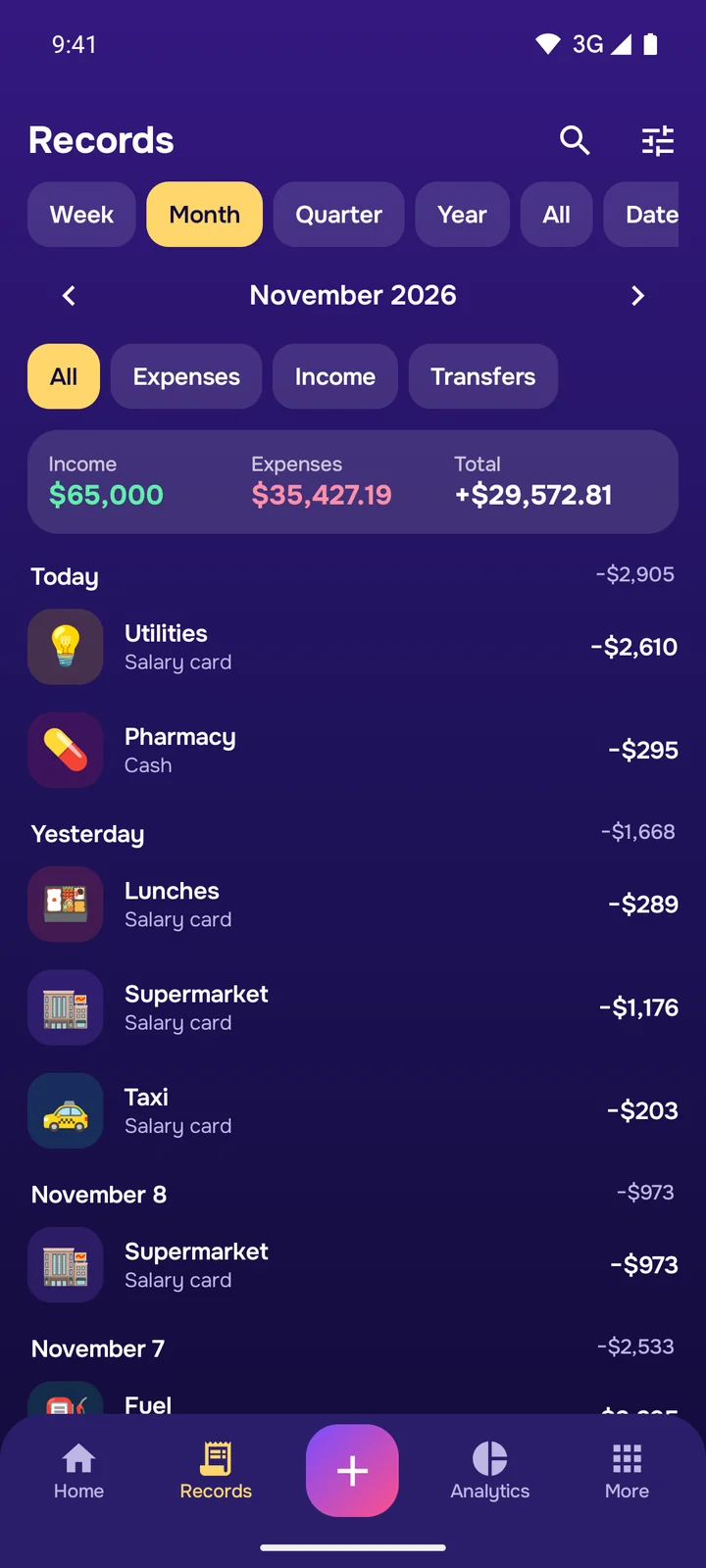
Records
A record in seconds
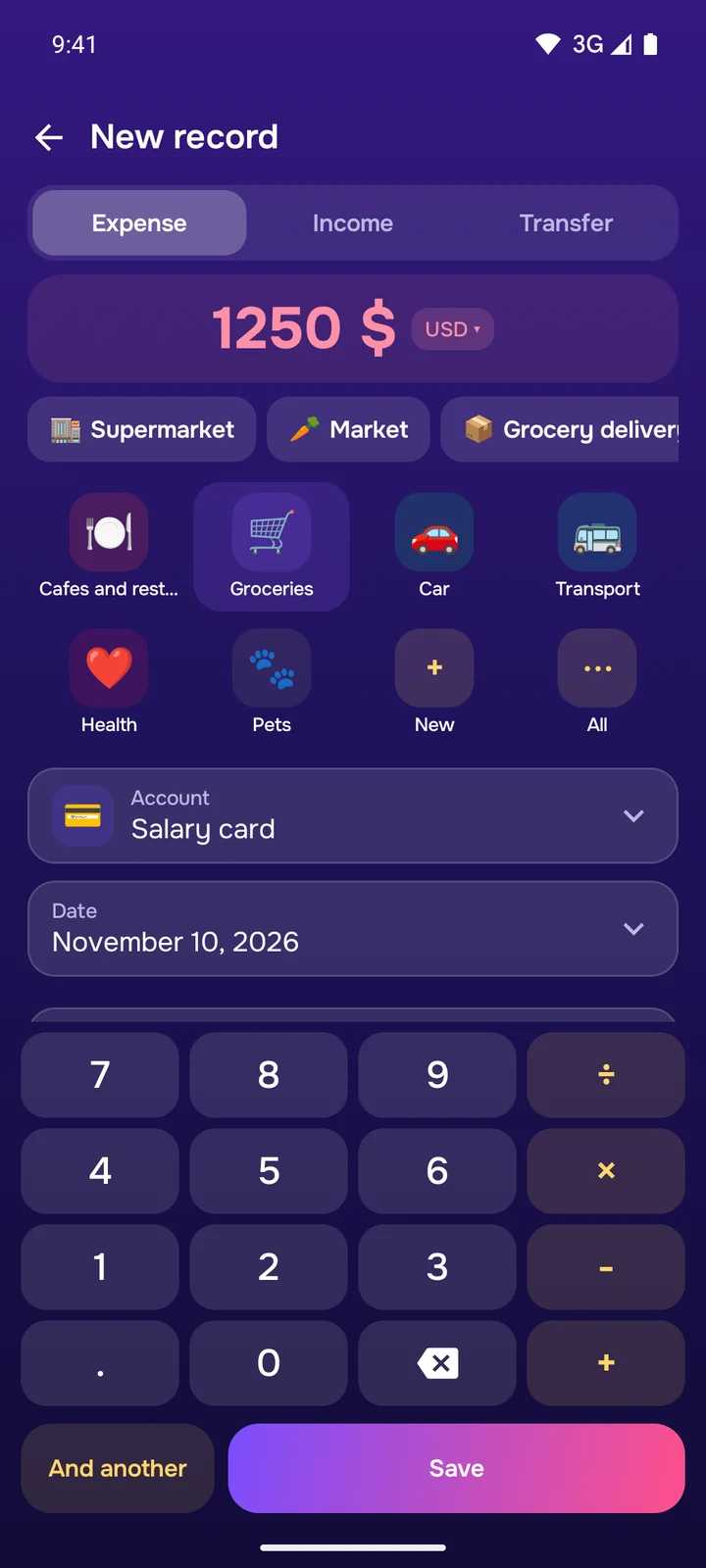
Type the amount on the built-in calculator, with your frequent categories first. Attach a receipt photo, a note and a counterparty, and let the app record repeating payments itself or remind you of them.
A calculator right in the record
Receipt photo and note
Repeating and planned records
Purchases in another currency
Personal and business
Company money never mixes with yours
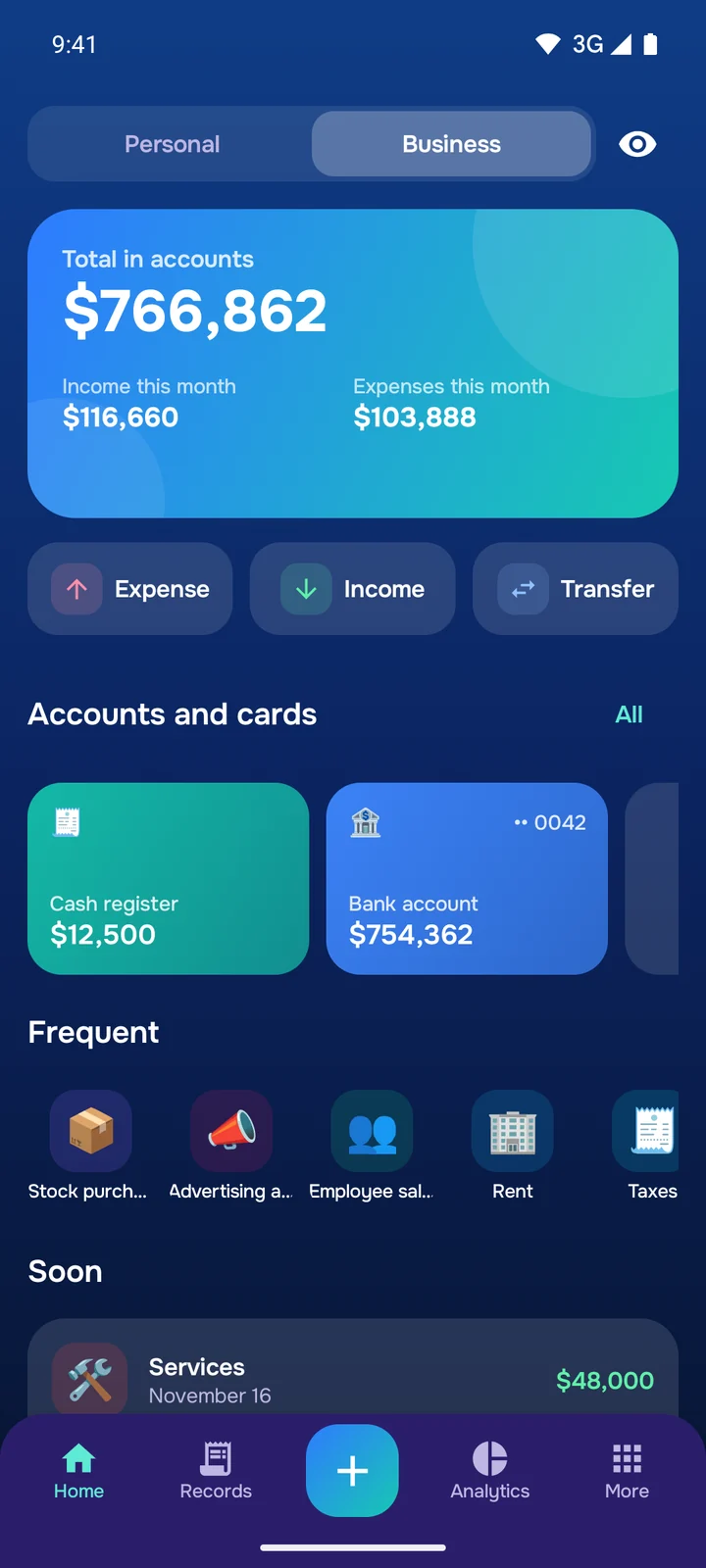
Each section has its own accounts, categories, budgets and reports. Switch sections at the top of the home screen, and move money between them with a single record.
Profit and loss
Clients and suppliers
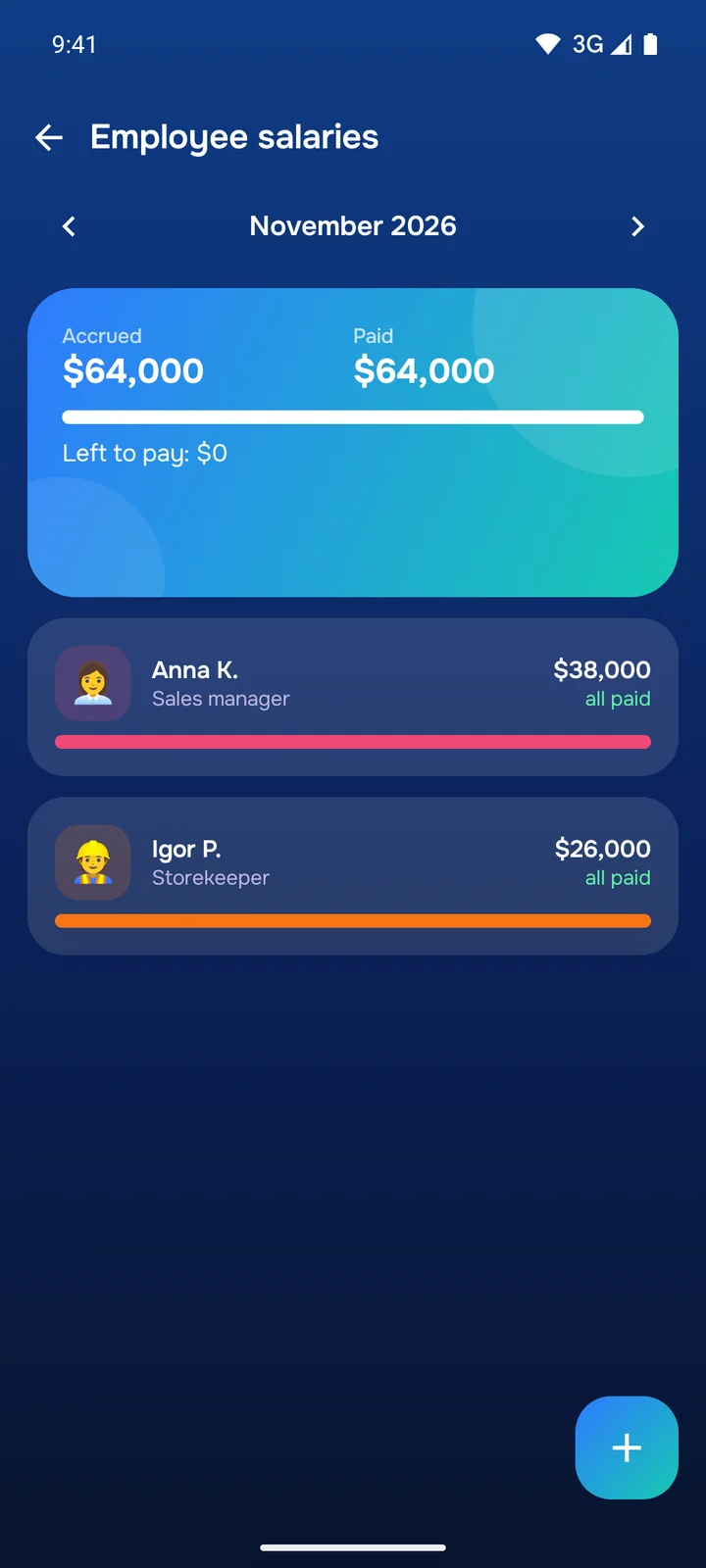
Employees and salaries
Bank account and cash desk
ProNew records in the Business section are part of Pro.
Analytics
See where the money goes
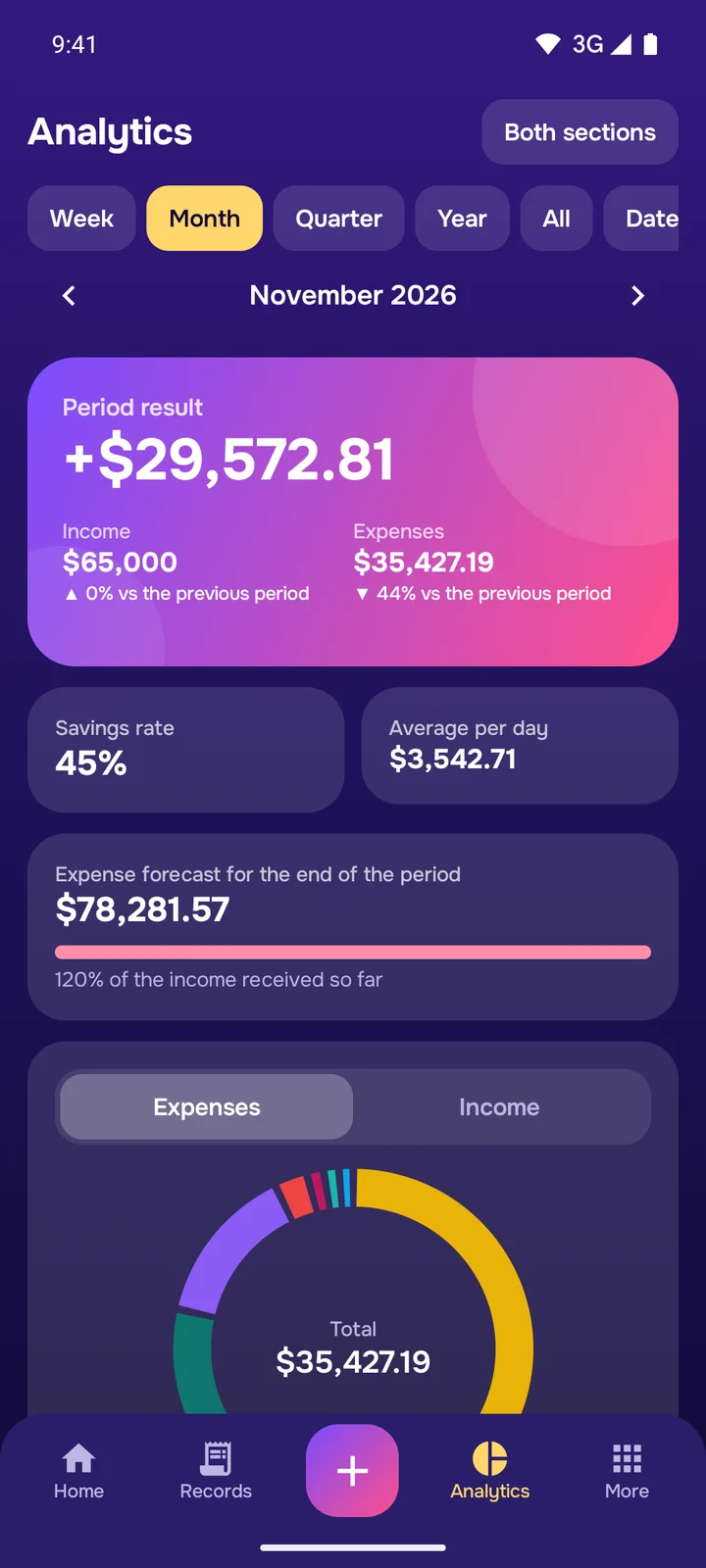
The period total, savings rate, a chart by category and income and expenses by month are free. Pro adds comparison with the previous period, a forecast to the end of the month, a spending calendar and spending by weekday.
Chart by category
Income and expenses by month
Forecast and spending calendar
Period comparison
Loans and debts
Loans under control
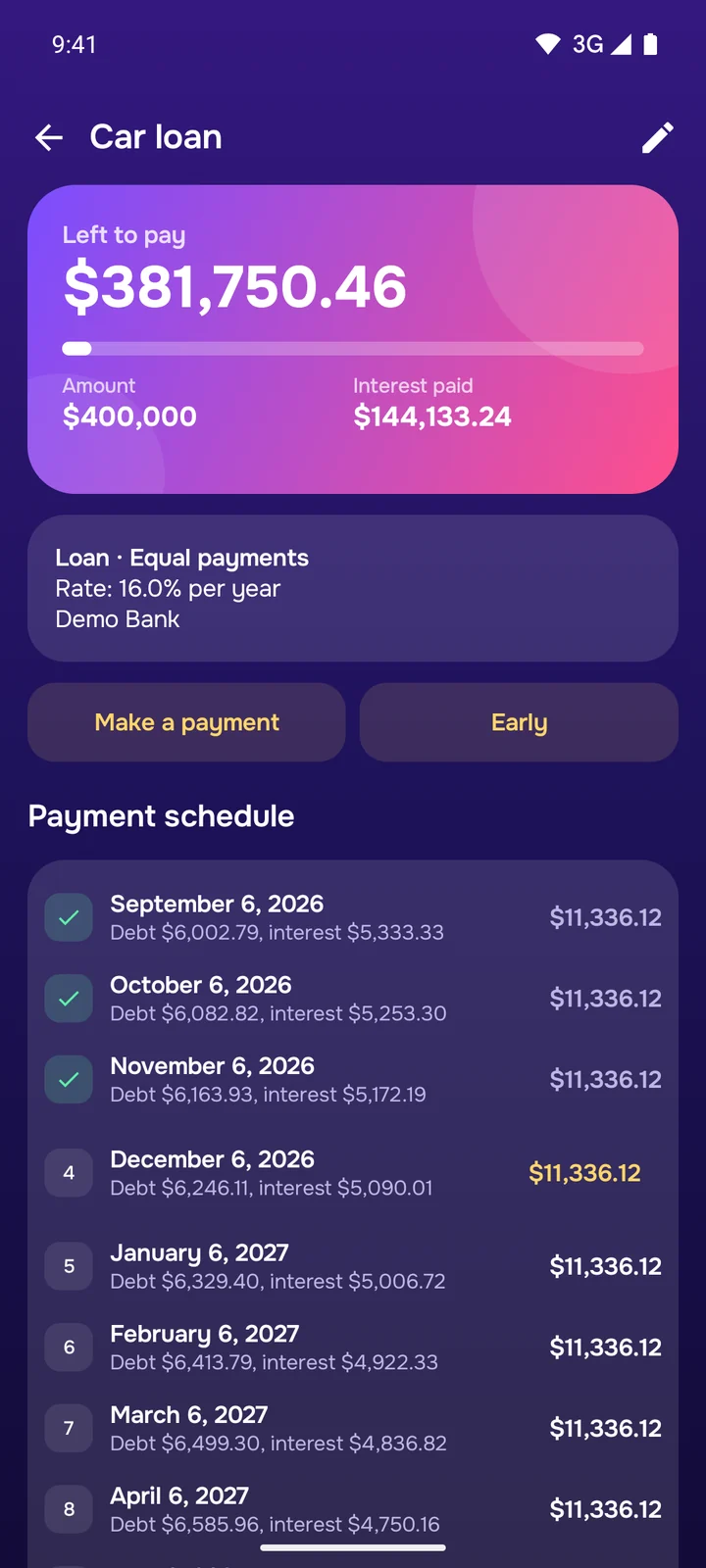
Loans, mortgages, installments, credit cards with a limit and a grace period. The app builds a schedule with principal and interest apart, reminds you of payments and recalculates after early repayment. “I owe” and “owed to me” debts are free.
Equal and decreasing payments
Early repayment
Credit cards with statements
Money lent and borrowed
ProLoans with a schedule and credit cards are part of Pro.
Budgets and goals
Limits that warn you early
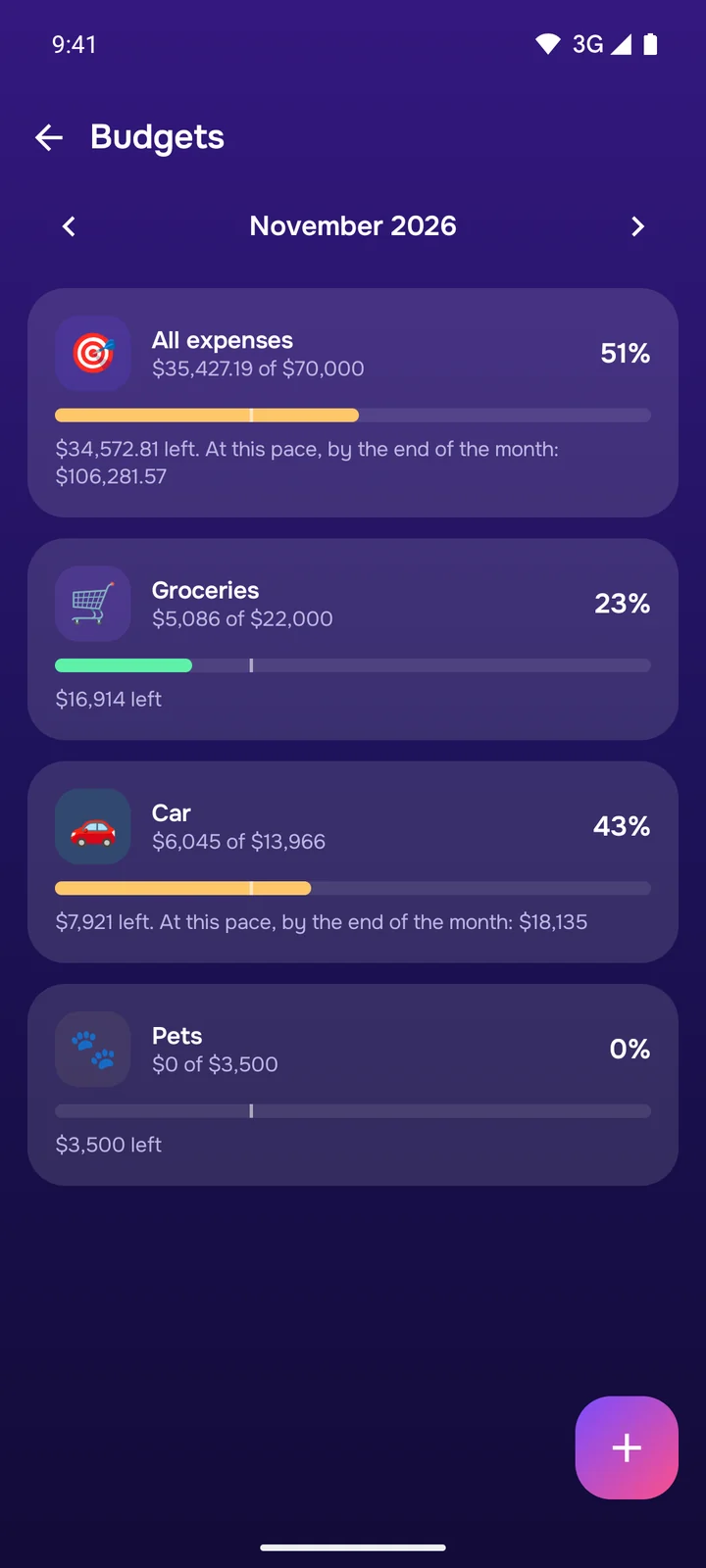
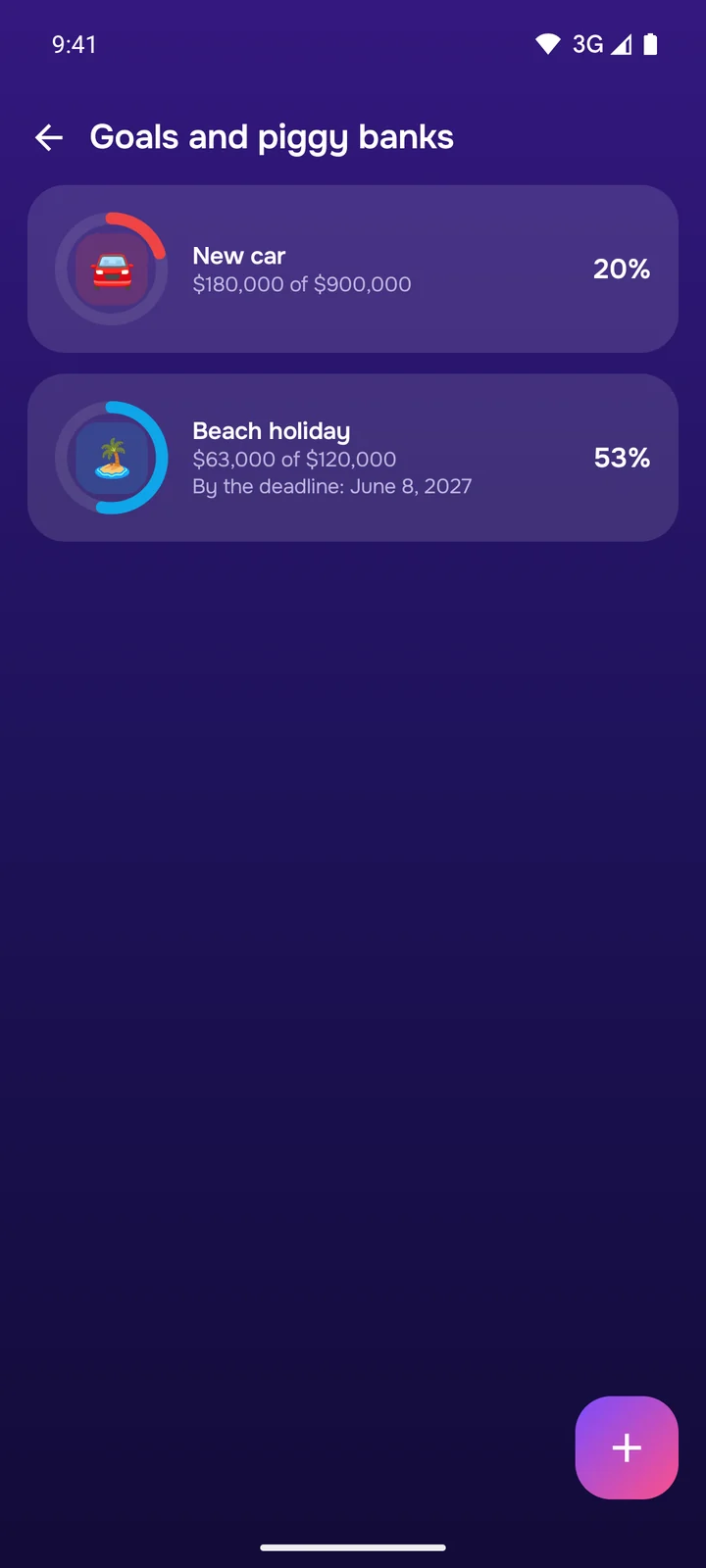
Set a monthly limit for all spending or for one category: the app shows your pace and warns you before the money runs out. Roll what is left over to the next month, and save for a holiday or a car with goals.
Daily spending pace
Rollover
Piggy banks with a deadline
Payment reminders
Accounts and currencies
Every account and 74 currencies
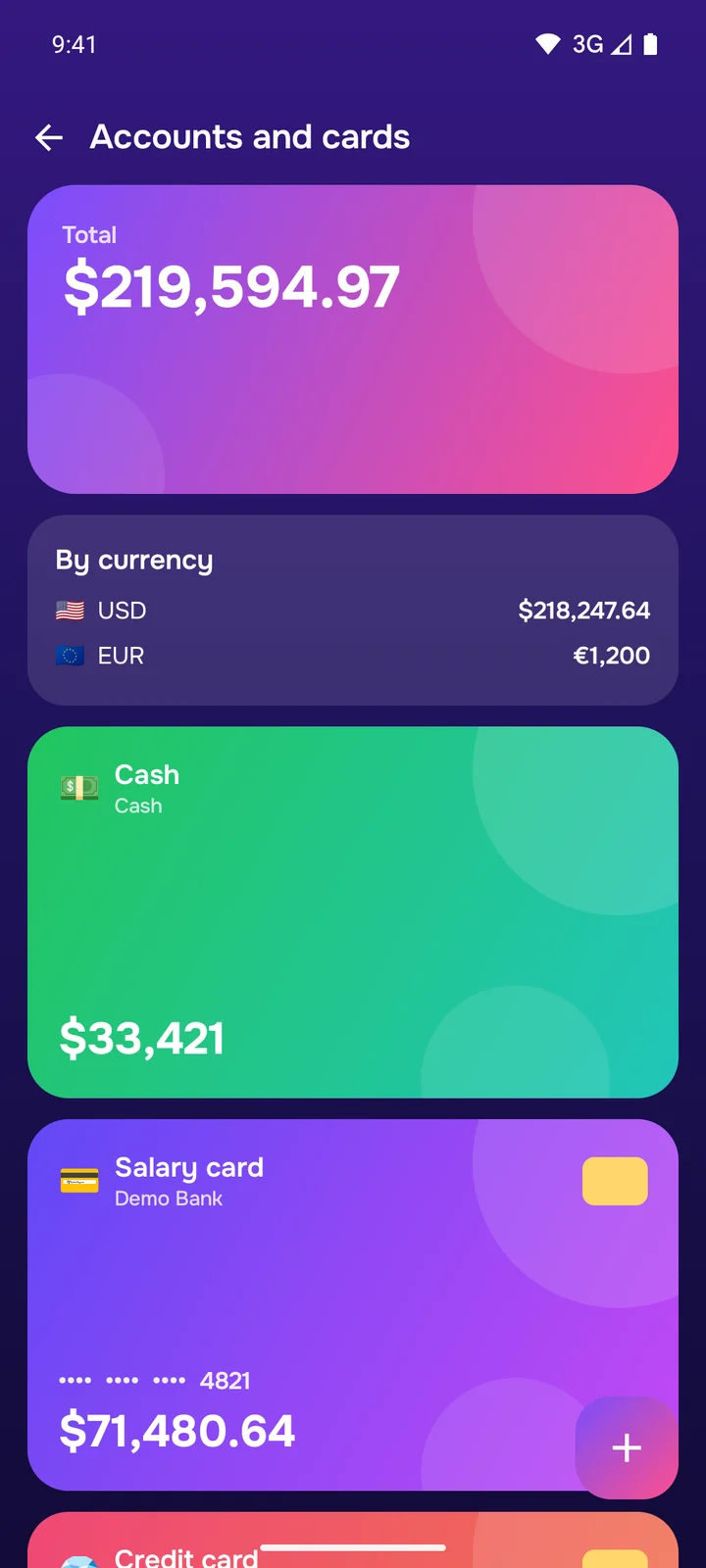
Cash, cards, savings, a bank account, a foreign currency account. Rates update by themselves once a day from open sources, and you can set your own. A record keeps the rate of its day, so past reports never change.
Totals for each currency
Pay in one currency from an account in another
Your own rate
No full card number needed
Reports
Reports for your business
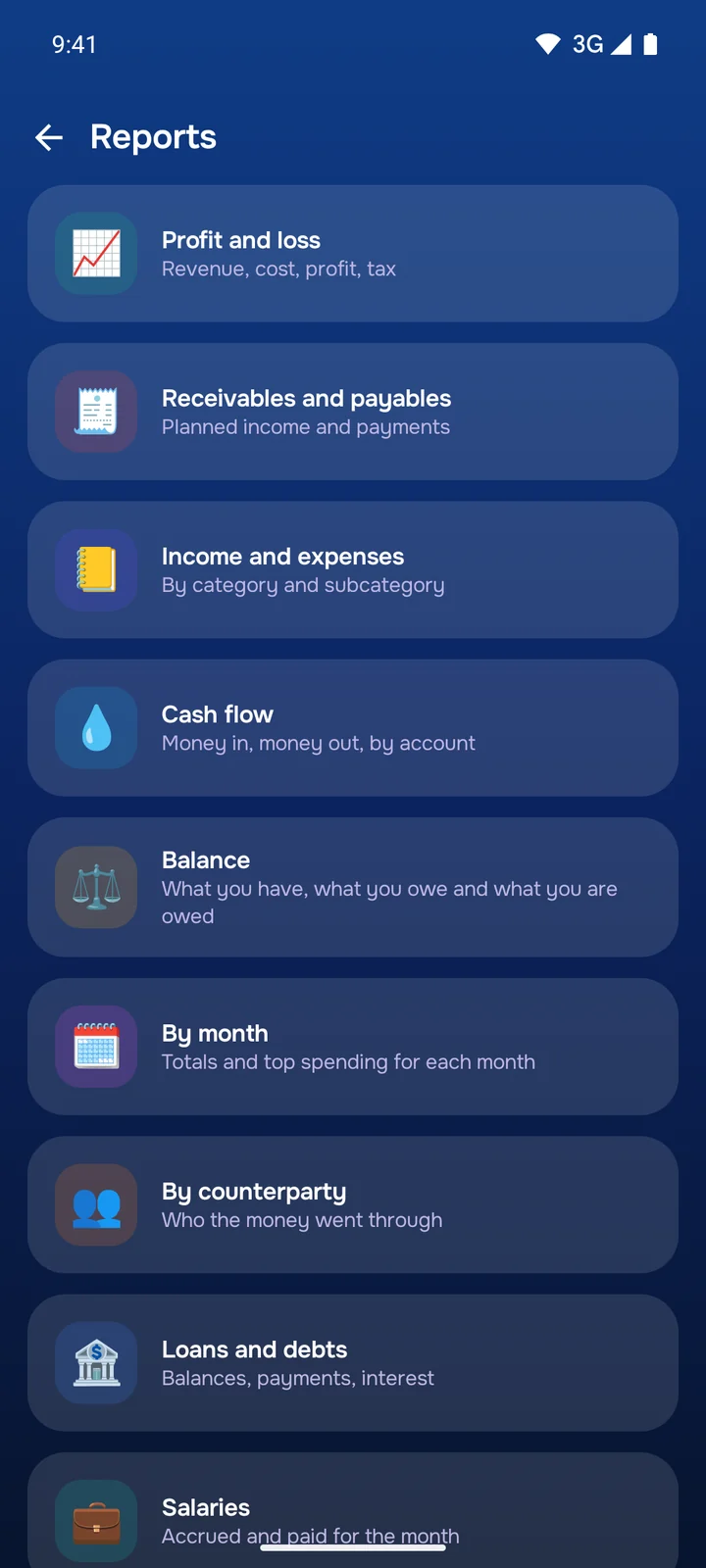
Profit and loss, cash flow, balance, receivables and payables, estimated tax at your own rate. CSV export is free for any section, PDF reports are part of Pro.
Profit and loss
Cash flow
Tax at your rate
PDF and CSV
Three themes
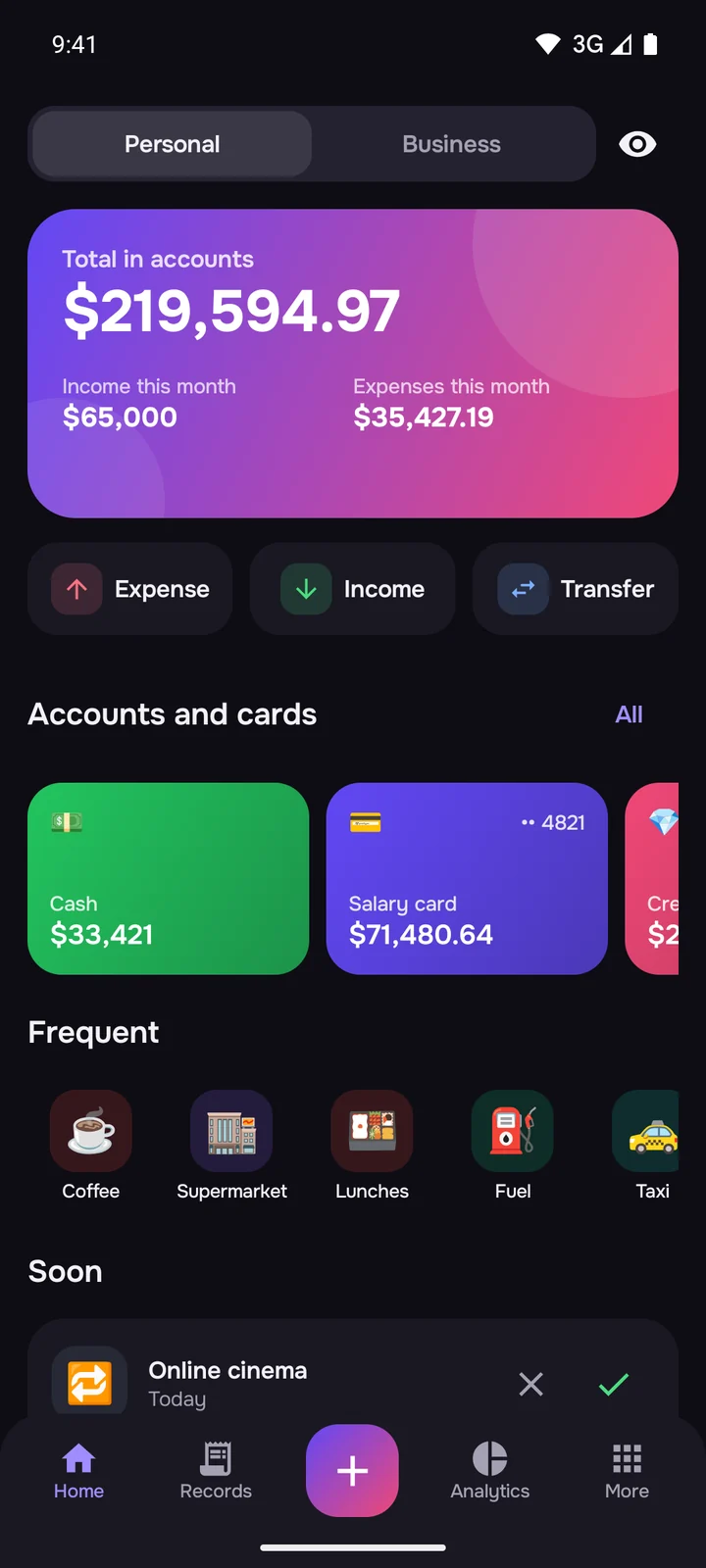
Signature, light and dark. Auto mode follows your phone between light and dark.
Home screen widgets
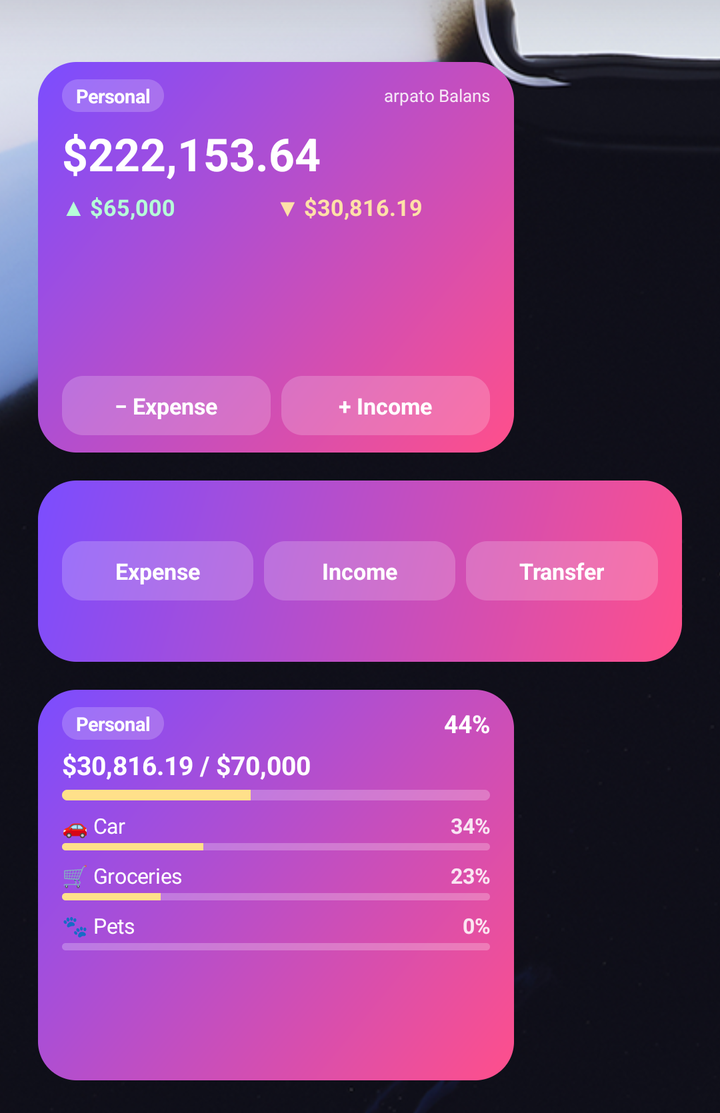
Balance, quick entry, budget and upcoming payments. The widgets resize to fit your screen, and with a PIN turned on their amounts stay hidden until you allow them. The budget and payments widgets are part of Pro.
Works on any phone
Phones
From Android 6 and small screens to the largest ones. The app is under 5 MB.
Foldables
Galaxy Z Fold, Z Flip, Pixel Fold: fold, unfold and use the cover screen without losing what you typed.
Tablets
Content does not stretch across the screen and stays comfortable in any orientation.
Rotation and large text
Portrait and landscape, split screen and large system font.
Your money is your business
No account, no ads and no server of ours with your data.
Data stays on the phone
Records, accounts and pictures never leave the phone and stay out of Android cloud backups.
Online only for rates
The app downloads one list of rates, the same for everyone, and tells nothing about you. With a single currency it makes no requests at all.
PIN and fingerprint
Hide amounts with a tap and block screenshots.
Password-protected backup
One AES-256 encrypted file moves everything to a new phone.
Everything for personal money is free and has no ads. Pro is for business and bigger volumes.
Free
forever
Records, transfers and categories with pictures
Up to 5 accounts, 3 budgets, 1 goal and 5 recurring payments
74 currencies with rates that update by themselves
Debts and your own salary
Core analytics
Manual backup and CSV export
Balance and quick entry widgets
PIN, three themes, 16 languages
Pro
a monthly or yearly subscription with a free trial, or a lifetime purchase
The Business section: records, clients, reports
Employee salaries
Loans with a schedule and credit cards
Unlimited accounts, budgets, goals and recurring payments
Forecast, spending calendar and period comparison
PDF reports
Scheduled auto backups to a folder you choose
Budget and upcoming payments widgets
Google Play shows the prices in your currency. If a subscription ends, nothing is lost: everything you created stays visible and can be edited and deleted.
What it looks like
The screenshots show a made-up example.
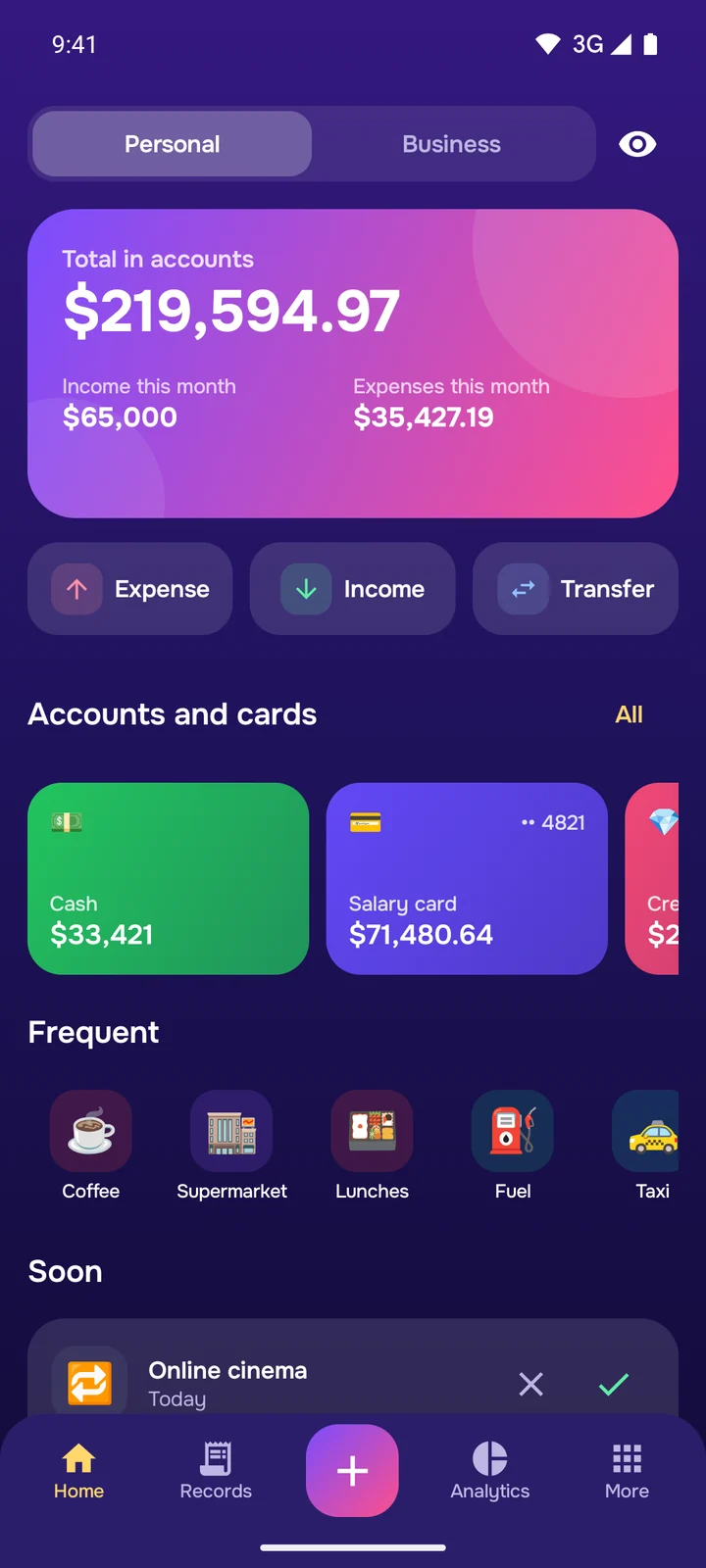
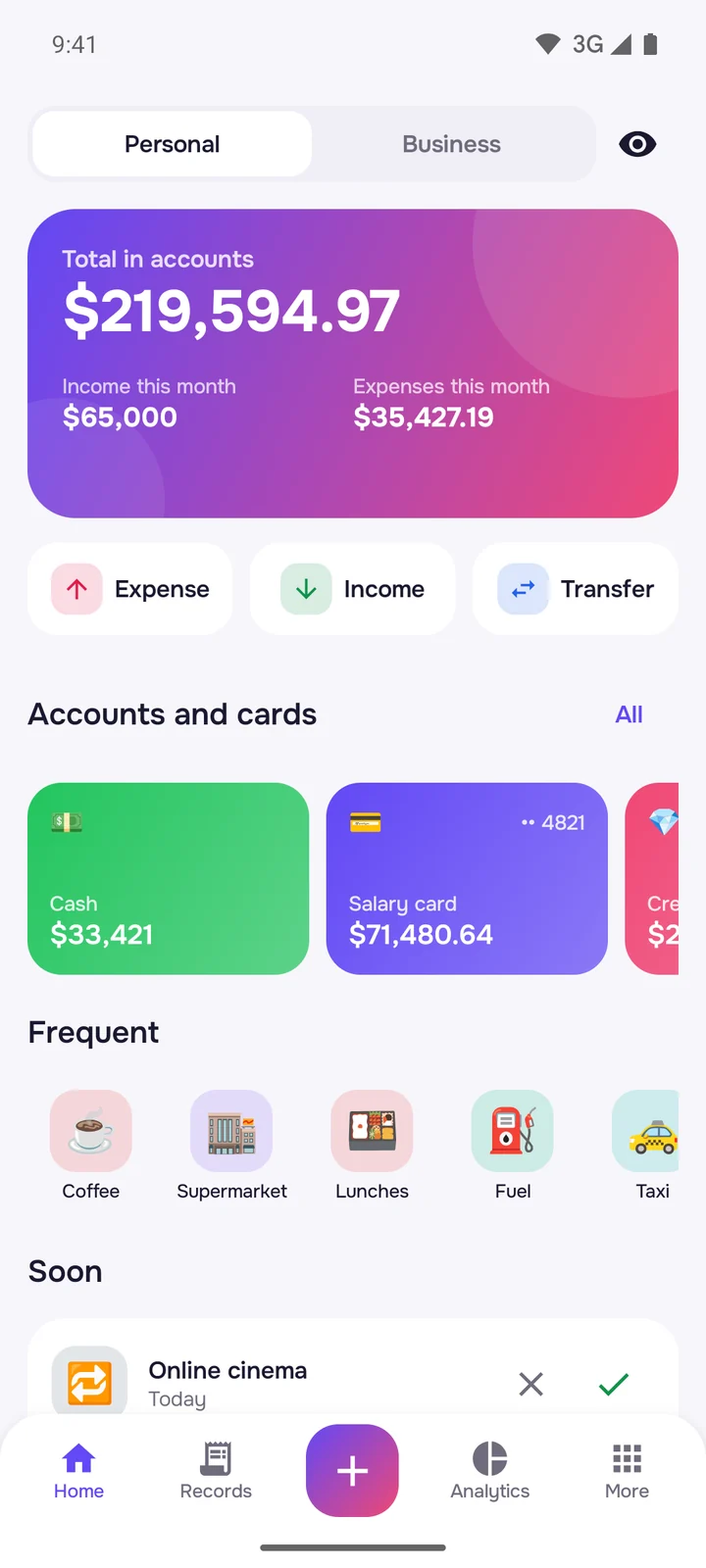
Home: balance, accounts, frequent categories and upcoming payments
New record: a built-in calculator, categories and subcategories
Analytics: where the money goes
The Business section: company money apart from personal
A loan: payment schedule, principal and interest apart
Personal and Business never mix: each has its own accounts, categories, budgets and reports. A single record moves money between them.
Record in seconds
A built-in calculator, frequent categories first, a receipt photo, a note and a counterparty. Planned and repeating records.
Your categories and pictures
A ready set: family, car, pets, home and more. Change everything: subcategories, colors, an emoji from a large set or your own photo.
Accounts and cards
Cash, cards, a bank account, savings, a credit card with a limit, statement day and grace period. The app needs neither the full card number nor the CVV.
74 world currencies
Accounts, loans and salaries in any currency, with search by name. Pay in one currency from an account in another. Totals by currency and an overall result in your base currency. Rates update by themselves once a day, and you can set your own. Past reports do not change with the rates.
Loans and debts
Loans, mortgages, installments, “I owe” and “owed to me”. Equal and decreasing payments, a schedule, principal and interest apart, early repayment with recalculation.
Salaries
Your jobs with advance and payday. For a business: employees, accruals, bonuses, deductions and what is left to pay.
Budgets and goals
Monthly limits, spending pace, rollover. Piggy banks with a target and a deadline.
Recurring payments
Subscriptions, rent and utilities: the app reminds you and records them itself, or waits for your confirmation.
Analytics
A chart by category, income and expenses by month, a spending calendar, comparison with the previous period, a forecast for the end of the month.
Business reports
Profit and loss, cash flow, balance, receivables and payables, estimated tax at your own rate. Export to PDF and CSV.
Widgets
Balance, quick entry, budget and upcoming payments. They resize to fit your screen.
Three themes
Signature, light and dark, and Auto mode follows your phone between light and dark.
16 languages
The most widely spoken languages in the world, including Chinese, Hindi, Spanish and right-to-left Arabic.
Free and Pro
Everything for personal money is free and has no ads. Pro unlocks the Business section, employee salaries, loans with a schedule, advanced analytics, PDF reports and auto backups. A subscription with a free trial or a lifetime purchase in Google Play.
Any phone
Android 6 or newer: phones, tablets and foldables such as Galaxy Z Fold, Z Flip and Pixel Fold, in any orientation and on the cover screen. The app is under 5 MB.
Protection
PIN and fingerprint, hidden amounts, blocked screenshots.
Backup and moving
All data and pictures in one file, optionally password-protected with AES-256 encryption. The same file moves everything to a new phone. With Pro, a backup saves itself on a schedule to a folder you choose.
Common questions
Where is my data kept?
Only on your phone. The app goes online only to fetch exchange rates: it downloads one list that is the same for everyone and sends nothing about you. Automatic rates can be turned off. Your data does not go into Android cloud backups.
When will the app be on Google Play?
It is getting ready for publication. Once it is out, an install button will appear on this page. We e-mail people signed up on the site about new apps.
What is free and what is in Pro?
Everything for personal money is free: records, accounts (up to 5), categories with pictures, 74 currencies with automatic rates, debts, budgets, your own salary, core analytics, manual backup and CSV export. Pro adds the Business section, employee salaries, loans with a schedule and credit cards, advanced analytics, all widgets, PDF reports and auto backups. Pro is bought in Google Play: a subscription with a free trial or a lifetime purchase.
What happens to my data if I cancel?
Nothing is lost. Everything created with Pro stays visible and can be edited and deleted. Only adding new items to Pro sections is limited. You can cancel in Google Play → Payments & subscriptions.
 arpato
 Android · coming soon to Google Play